
自造星球-创客空间 - 讨论区
标题:RFID原理与实践

2015年07月02日 星期四 08:21
RFID,英文全称是Radio-frequency identification,中文可以翻译为射频识别。
RFID已经渗入到我们生活中的方方面面,大家经常用到的就是门禁卡,停车场出入卡,汽车收费站ETC卡等等。
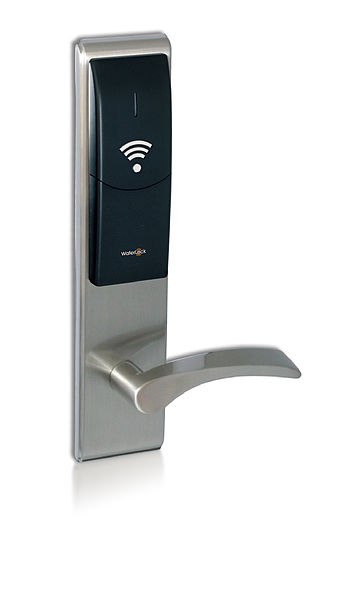
RFID的原理基本是通过射频电磁感应方式读取ID卡中的特殊信息,其技术原理决定了其特征。大家肯定都用过手机扫描二维码或者条形码,这种识别码的识别速度比较慢,而且识别码不能污损,而RFID标签的识别速度一般都在100毫秒以内,标签的污损一般都不会影响识别效果。
我拿到了一套测试用的RFID开发板,进行了简单的编程和测试。
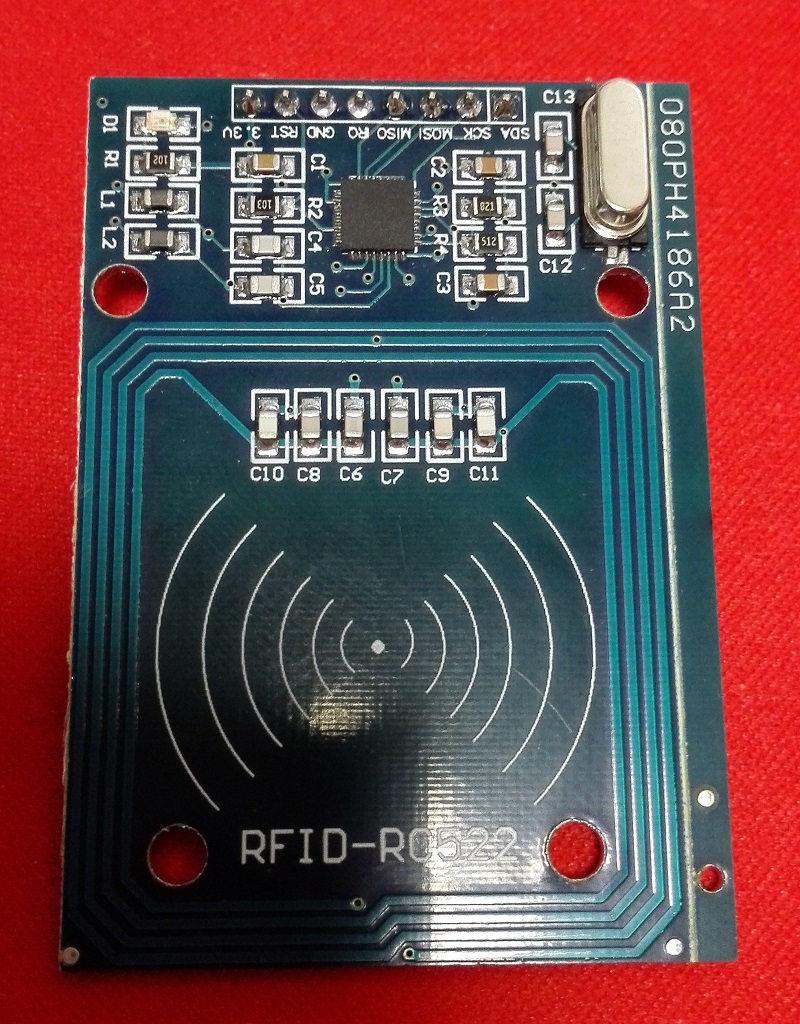
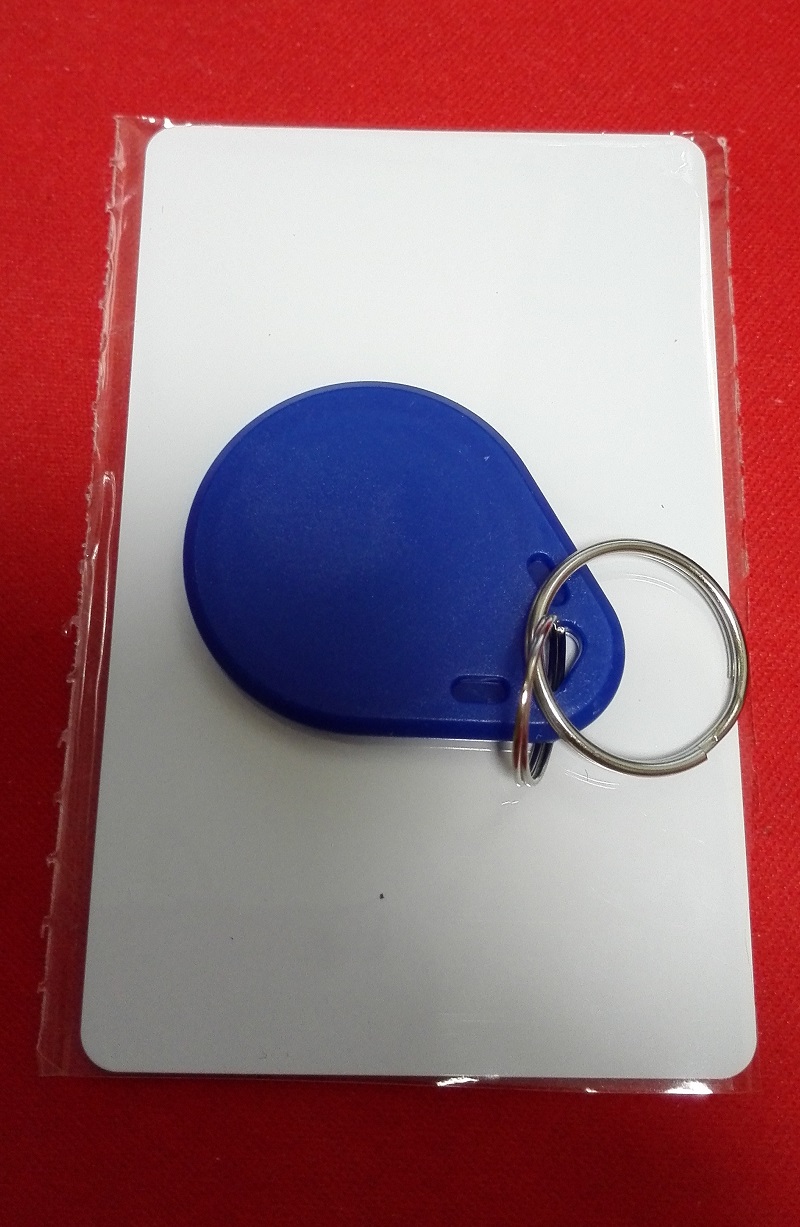
这是一套采用NXP方案的RFID开发板,配套了两个EFID标签。使用SPI协议与MCU进行通信。
我是用Arduino Pro mini进行测试,在Github上有一个专门用于此开发板的项目。
https://github.com/miguelbalboa/rfid
我们只需要将此项目打包下载,并引入到Arduino IDE中即可。
RFID开发板与Arduino的连接方式如下:
RFID开发板的RST连接Arduino的D9。
RFID开发板的SDA连接Arduino的D10。
RFID开发板的MOSI连接Arduino的D11。
RFID开发板的MISO连接Arduino的D12。
RFID开发板的SCK连接Arduino的D13。
RFID开发板的GND连接Arduino的GND。
RFID开发板的3.3v连接Arduino的3.3v。
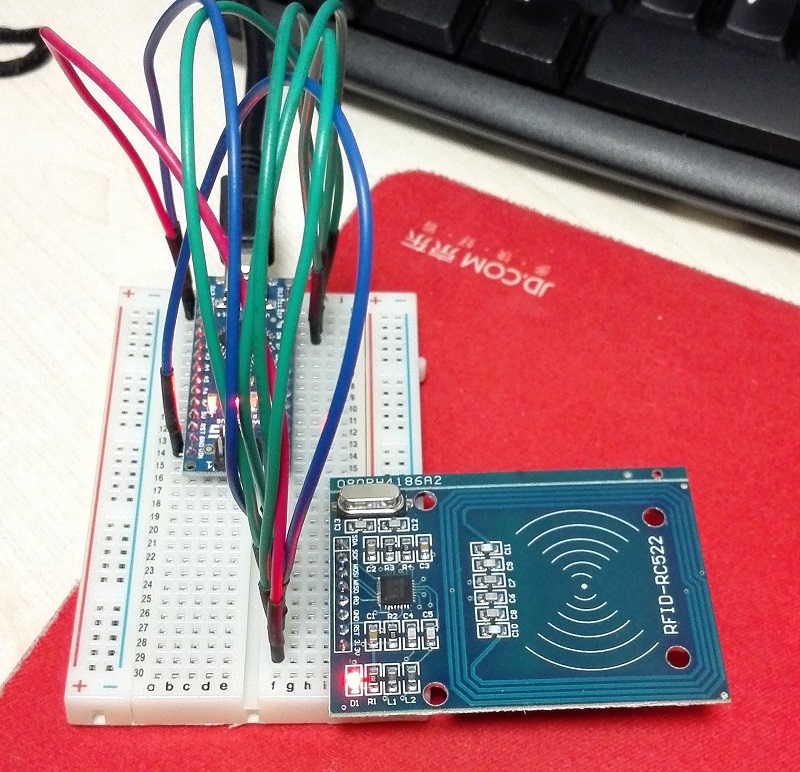
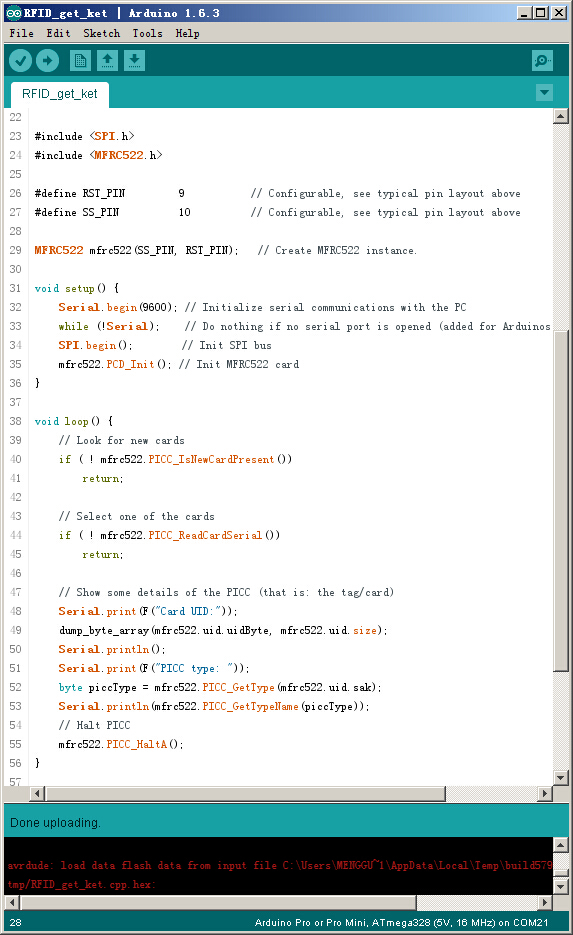
我改写了一个示例程序,功能很简单,就是读取RFID标签的唯一标识并输出到串口。
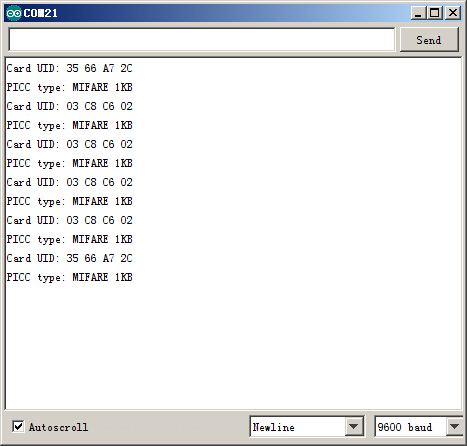
编译运行并刷卡,就能从串口终端上读取到RFID数据。
程序源代码如下:
/**
 * ----------------------------------------------------------------------------
 * This is a MFRC522 library example; see https://github.com/miguelbalboa/rfid
 * for further details and other examples.
 *
 * NOTE: The library file MFRC522.h has a lot of useful info. Please read it.
 *
 * Released into the public domain.
 * Typical pin layout used:
 * -----------------------------------------------------------------------------------------
 *             MFRC522      Arduino       Arduino   Arduino    Arduino          Arduino
 *             Reader/PCD   Uno           Mega      Nano v3    Leonardo/Micro   Pro Micro
 * Signal      Pin          Pin           Pin       Pin        Pin              Pin
 * -----------------------------------------------------------------------------------------
 * RST/Reset   RST          9             5         D9         RESET/ICSP-5     RST
 * SPI SS      SDA(SS)      10            53        D10        10               10
 * SPI MOSI    MOSI         11 / ICSP-4   51        D11        ICSP-4           16
 * SPI MISO    MISO         12 / ICSP-1   50        D12        ICSP-1           14
 * SPI SCK     SCK          13 / ICSP-3   52        D13        ICSP-3           15
 *
 */

#include <SPI.h>
#include <MFRC522.h>

#define RST_PIN         9           // Configurable, see typical pin layout above
#define SS_PIN          10          // Configurable, see typical pin layout above

MFRC522 mfrc522(SS_PIN, RST_PIN);   // Create MFRC522 instance.

void setup() {
    Serial.begin(9600); // Initialize serial communications with the PC
    while (!Serial);    // Do nothing if no serial port is opened (added for Arduinos based on ATMEGA32U4)
    SPI.begin();        // Init SPI bus
    mfrc522.PCD_Init(); // Init MFRC522 card
}

void loop() {
    // Look for new cards
    if ( ! mfrc522.PICC_IsNewCardPresent())
        return;

    // Select one of the cards
    if ( ! mfrc522.PICC_ReadCardSerial())
        return;

    // Show some details of the PICC (that is: the tag/card)
    Serial.print(F("Card UID:"));
    dump_byte_array(mfrc522.uid.uidByte, mfrc522.uid.size);
    Serial.println();
    Serial.print(F("PICC type: "));
    byte piccType = mfrc522.PICC_GetType(mfrc522.uid.sak);
    Serial.println(mfrc522.PICC_GetTypeName(piccType));
    // Halt PICC
    mfrc522.PICC_HaltA();
}

/**
 * Helper routine to dump a byte array as hex values to Serial.
 */
void dump_byte_array(byte *buffer, byte bufferSize) {
    for (byte i = 0; i < bufferSize; i++) {
        Serial.print(buffer[i] < 0x10 ? " 0" : " ");
        Serial.print(buffer[i], HEX);
    }
}
参考资料:
https://en.wikipedia.org/wiki/Radio-frequency_identification
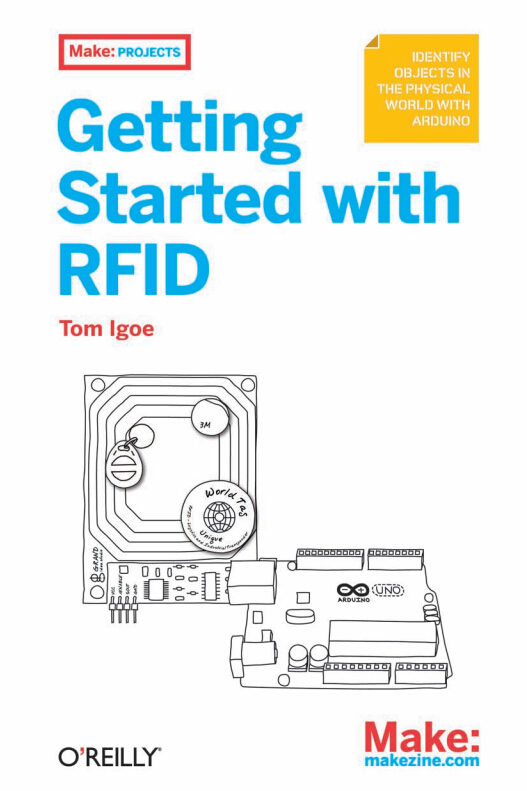
另外推荐一本书《Getting Started with RFID》,很薄的一本书。


Zeuux © 2026
京ICP备05028076号